
Shortcuts
- Courier and Logistics Label Software—How to Choose?
- Courier Label vs. Logistics Label
- Courier Label Software
- Logistics Label Software
- HKK Group Solutions for Pallet Label Printing
- Label Design and Print Services
- A label printer as part of the solution
- How to Prepare Requirements for Labeling Software
- Choose a solution from HKK Group
- Highlights

Courier and Logistics Label Software—How to Choose?
Preparing a shipping label doesn’t start at the printer. First, you need to determine what information should be included on the label, where it will be sourced from, and which package or pallet it should be associated with. Only then does the printing take place.
A program for courier and logistics labels should therefore meet the needs of a specific process, rather than simply allowing text and a barcode to be placed on a label. Some requirements pertain to the handling of courier shipments, while others concern the labeling of logistics units transferred to warehouses and distribution centers. In HKK solutions, label printing can be integrated with data from ERP and WMS systems as well as with carrier systems.
Courier Label vs. Logistics Label
Although both labels may appear on the same package, they do not always serve the same purpose. The shipping label facilitates the carrier’s handling of the shipment. The GS1 logistics label identifies a logistics unit—such as a pallet—and enables it to be linked to information in the systems of supply chain participants.
| Area | Courier label | GS1 logistics label |
| Main Task | Processing a shipment within the carrier’s network | Unique identification of a logistics unit |
| Labeling Requirements | Carrier-Specific Specifications | GS1 standard and process-specific requirements |
| Key Identifier | Shipment identifier used by the carrier | SSCC number |
| Data Source | Shipping system or integrated warehouse process | Data regarding the created logistics unit |
This distinction is important when choosing software: handling carrier labels is not the same as preparing GS1 logistics labels.
Courier Label Software
In the courier process, the most important thing is that the label complies with the carrier’s requirements and is correctly linked to the shipment being sent. Preparing a graphic design on your own does not replace the shipping process within the courier system.
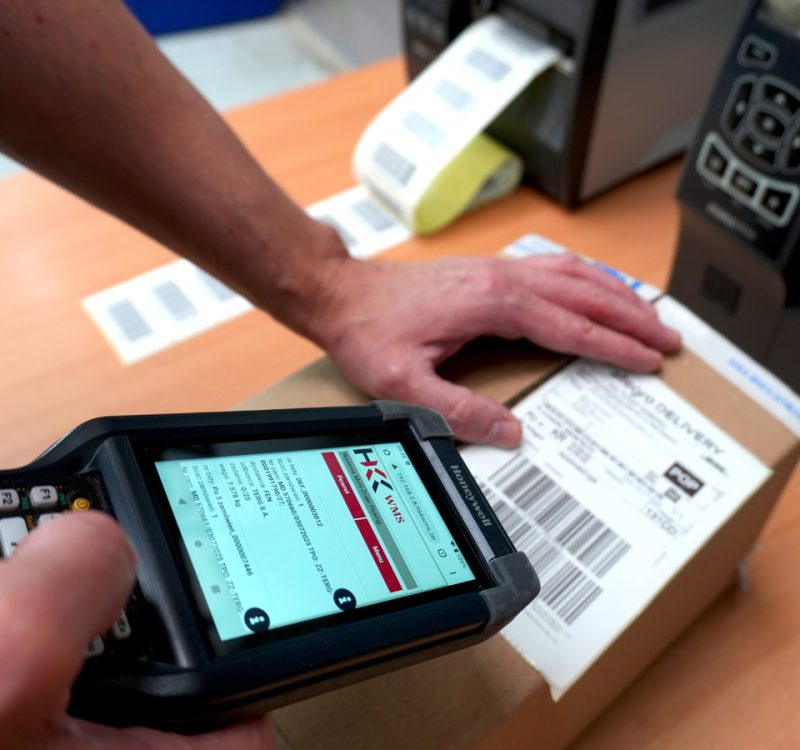
At HKK Group, the Digit.IO WMS system can be integrated with courier systems through an integration application that uses APIs. This allows data to be transferred between systems and courier labels to be printed as part of the warehouse process.
Before choosing a program, it is therefore a good idea to determine:
- Does the solution support the carriers and services you need?
- Will the label be retrieved from the carrier’s system, or will it be prepared using another agreed-upon format?
- Which system will the recipient’s information and shipment details come from?
- At what point in the process should the assignment and printing take place?
- How will the carrier know which package the printed label belongs to?
- How will error handling, cancellation, and reprinting work?
This is a list of requirements to check during an implementation analysis, not a set of features that should be included in every program.
Logistics Label Software
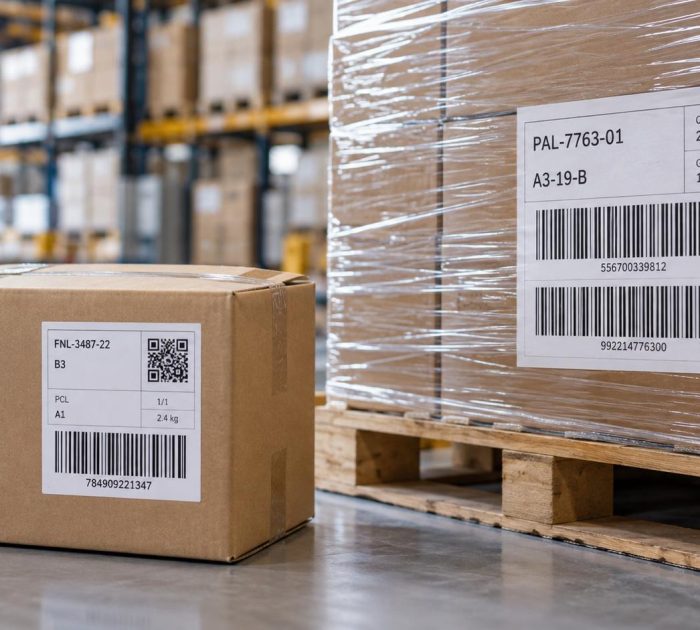
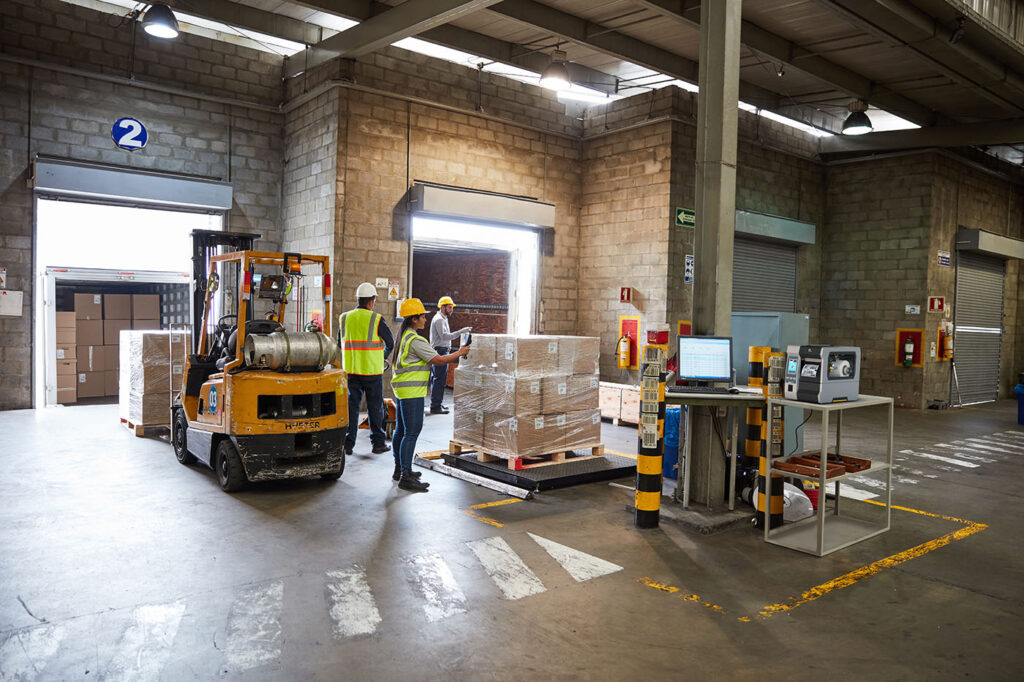
When labeling pallets, the most important factors are identifying the logistics unit and providing the information needed by the recipient.
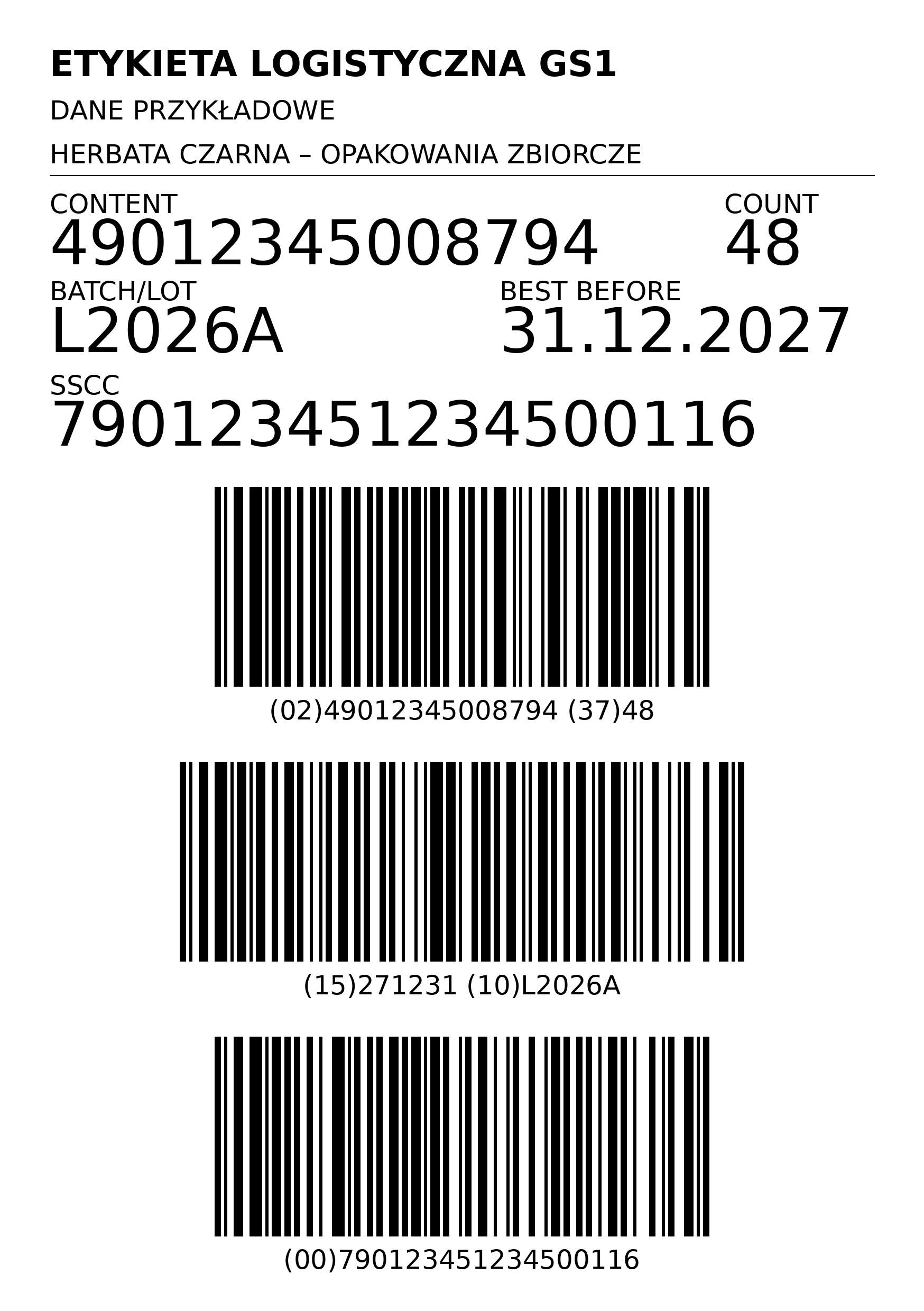
The most important element of a GS1 logistics label is the SSCC—the Serial Shipping Container Code. It is an 18-digit identifier, most commonly represented in a GS1-128 barcode. In a standard GS1 logistics label, the SSCC is a required element; the remaining data depends on the application and process requirements.
Depending on the contents of the unit and the arrangements with the recipient, the labeling may also include information such as the product ID, quantity, lot number, or expiration date. However, one should not assume that every pallet requires the exact same set of information.
When selecting a pallet labeling program, it’s a good idea to check how SSCC numbering is managed, the sources of data on pallet contents, and the ability to prepare labels that comply with customers’ requirements.
It is also important to establish rules for reprinting: recreating the designation of an existing unit should not be confused with creating a new logistics unit.

HKK Group Solutions for Pallet Label Printing
In the area of pallet labeling, HKK Group offers the HEP system. This solution is worth considering when analyzing your needs for pallet label preparation.
The selection of a system should begin with a description of the process: what types of pallets are being labeled, what information should appear on the labels, and where the data will come from. Next, the required templates, the operators’ work procedures, and compatibility with the printers being used should be agreed upon.
A pallet label program should not be confused with a courier shipment system. If a company handles both packages and pallets, the analysis should cover both processes and determine which elements can be shared and which require separate handling.

Label Design and Print Services
When choosing a solution, it’s a good idea to separate these three tasks: template design, data provision, and routing the print job to the appropriate printer. In a simple process, these tasks can be handled by a single application. In a more complex environment, different system components may be responsible for them.
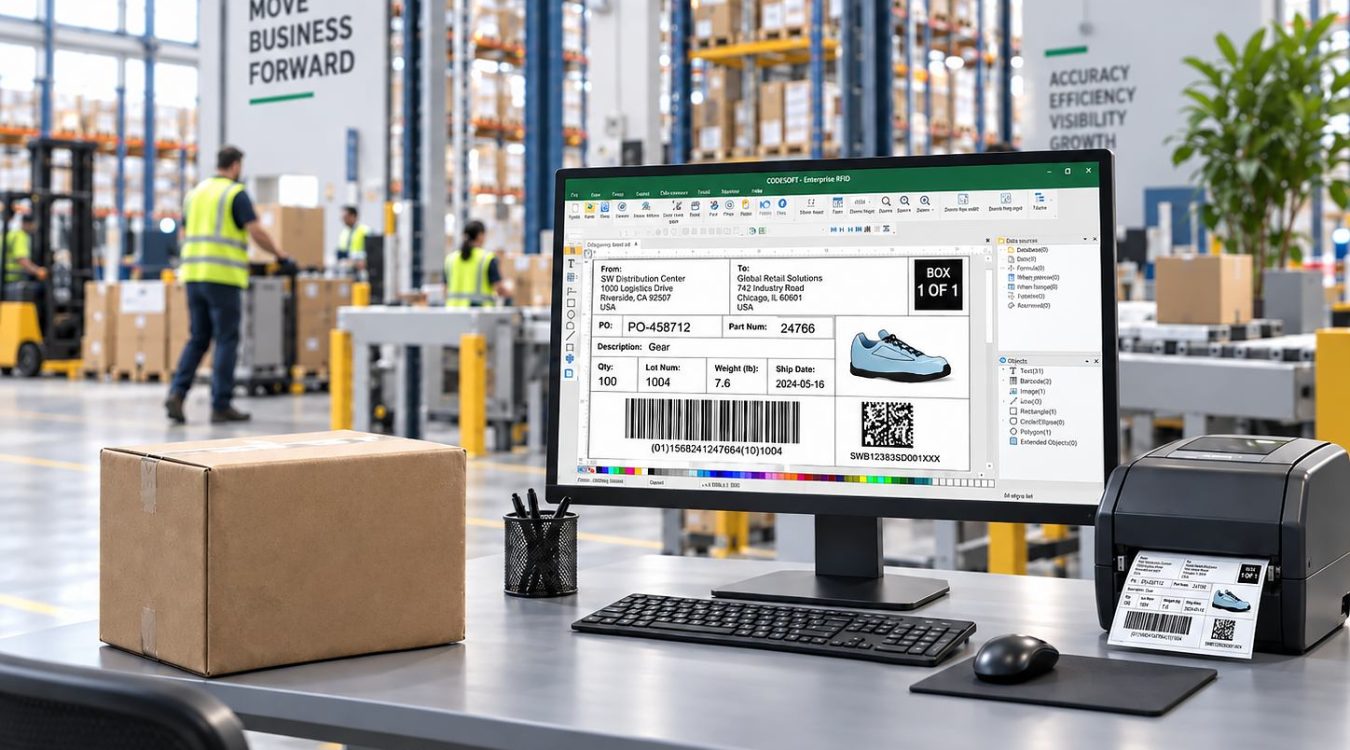
The HKK Group’s offering includes TEKLYNX software: CODESOFT, LABELVIEW, and LABEL MATRIX for label design and printing, as well as SENTINEL for print automation. SENTINEL can use information provided by an ERP or WMS system, select the appropriate label, and send it to the specified printer.
That’s why the question “Which label-making software should I choose?” should be supplemented with the question “Which stage of the process do we want to streamline?” A company may need a new template, automatic data retrieval, or a way to organize printing across multiple workstations—the scope of implementation won’t always be the same.
A label printer as part of the solution
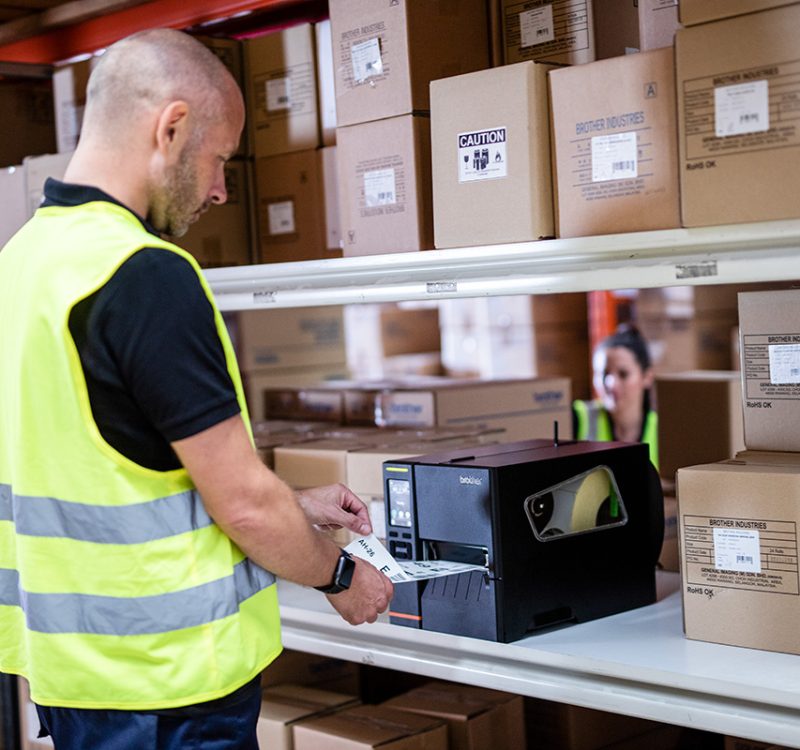
The software must be compatible with a device that supports the required label format and ensures legible printouts. When selecting a printer, factors such as print width, technology, resolution, workload, and workplace conditions are important. HKK Group offers desktop, mobile, and industrial printers designed for a variety of applications.
An example of desktop printers is the Zebra ZD421 series, which offers a 4-inch print width. For industrial applications, consider the Zebra ZT411, which supports thermal and thermal transfer printing, offers a maximum print width of 104 mm, and comes in 203, 300, and 600 dpi resolution options. The final selection requires reviewing the specific template and device configuration.
Especially when it comes to pallet labels, it is important to verify the print area width. The printer used to label packages does not have to support all the formats required by pallet recipients.
The material is also important. Thermal printing does not require a ribbon, whereas thermal transfer printing uses a ribbon to transfer the print to the label. The choice of technology and substrate should take into account the required service life and the conditions to which the label will be exposed.

How to Prepare Requirements for Labeling Software
Before discussing a specific program, it’s a good idea to prepare a brief process specification. This makes it easier to compare solutions and avoid situations where missing requirements only come to light during implementation.
- Specify the types of labels: courier, GS1 pallet, or internal.
- Gather the requirements of carriers and recipients.
- Specify the data sources: ERP, WMS, shipping system, or data entered by an operator.
- Describe when the label is printed and how it is attached to the package or pallet.
- Please specify the number of workstations and the workload during peak hours.
- Prepare sample labels and information about the printers you have.
- Establish rules for handling errors and reprinting.
- Plan tests using real data, materials, and devices.
For example, a warehouse that ships packages to individual customers and pallets to a distribution center should describe two separate scenarios. In the first scenario, the key will be handling the shipment in accordance with the courier’s requirements. In the second, the key will be identifying the logistics unit and preparing the data required for pallet delivery.

Choose a solution from HKK Group
Are you looking for software for shipping and logistics labels? Please provide us with examples of label formats, recipient requirements, and your warehouse’s operating procedures.
At HKK Group, we can help you analyze your process and select the right software, printers, and labeling materials. Our offerings include solutions for print design and automation, printing equipment, and self-adhesive labels. If you need to label pallets, be sure to ask us about the HEP system as well.