

Shortcuts
- What will you achieve through the label automation process?
- When is it a good idea to opt for automatic labeling?
- Automatic applicator or Print & Apply? First, determine where the data comes from
- What needs to be determined before implementing automatic labeling?
- What does the step-by-step implementation of automatic labeling look like?
- Automatic Labeling vs. Label Accuracy Verification
- Example: Automatic labeling of boxes during the shipping process
- What CAB solutions can be used for automatic labeling?
- How can you evaluate the results of labeling automation?
- Automated Labeling with HKK Group
What will you achieve through the label automation process?
Automatic labeling eliminates the need for manual label application and, when properly configured, can also automate label printing and integrate the entire process with production or warehouse systems.
However, simply purchasing an applicator does not solve all the problems. Before selecting a device, you need to determine how the product is fed into the station, where the data on the label comes from, when the label should be prepared, and how the system will respond to errors. The success of the entire implementation depends on these decisions.

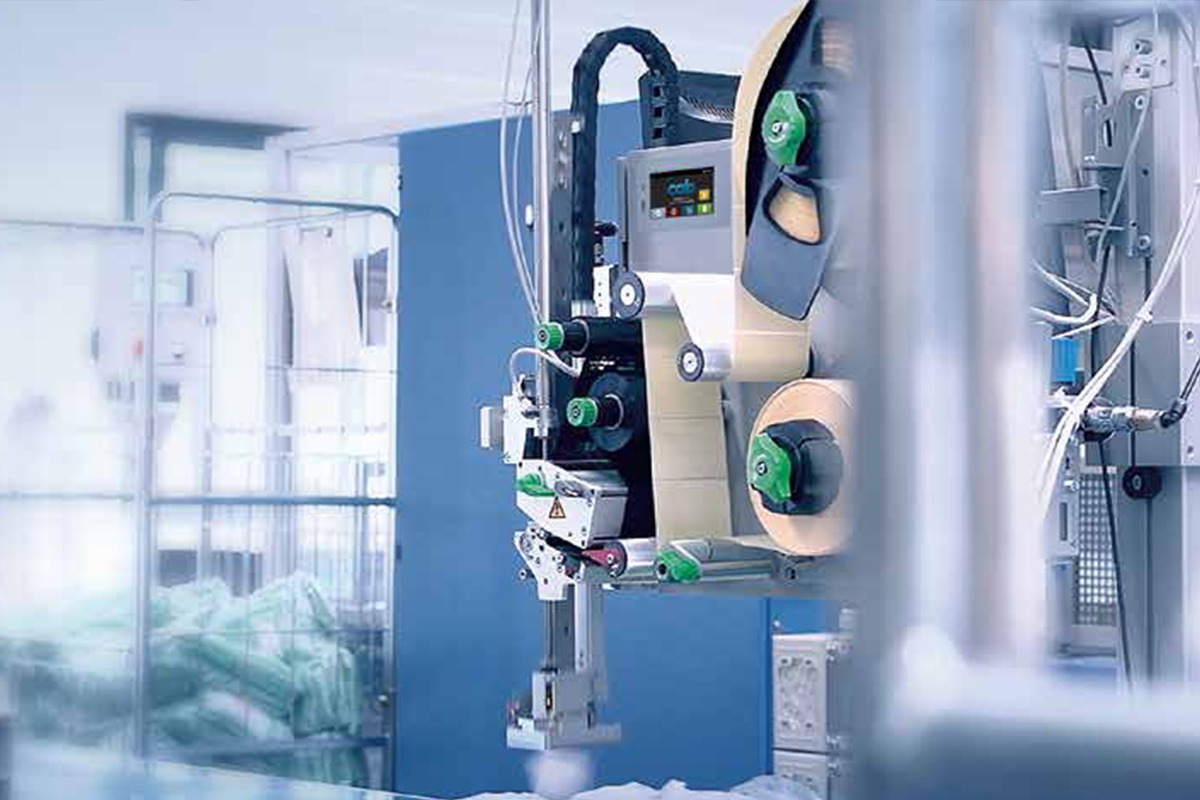
When is it a good idea to opt for automatic labeling?
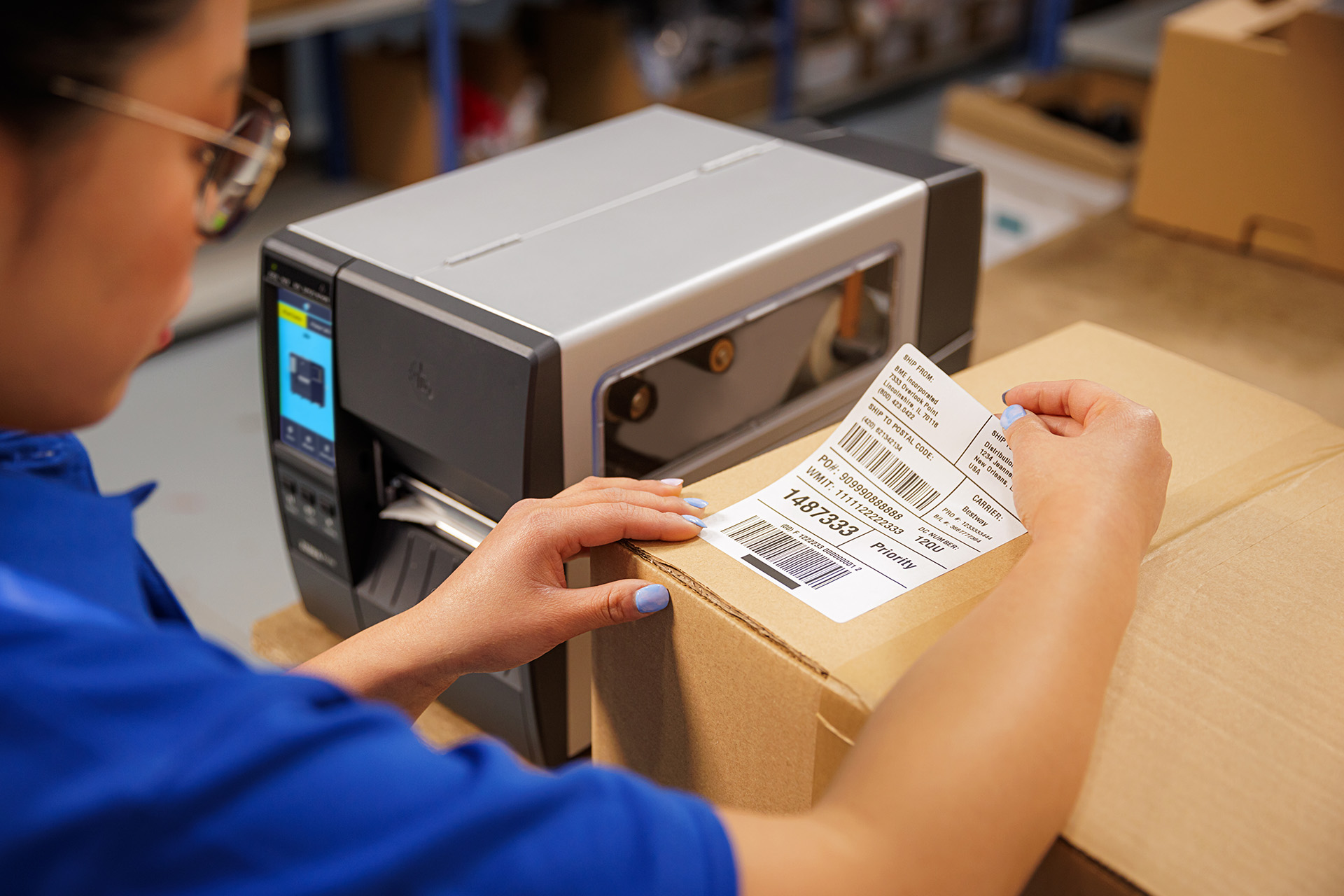
The first sign is when manually applying labels cannot keep up with the other stages of production or packaging. The operator must pick up a label, match it to the correct product, and place it in the designated spot. Each of these steps takes time, and as the number of packages increases, so does the risk of errors.
However, it’s not always just about performance.
Automating the labeling process is particularly justified when:
- Products or packaging must be labeled in a fixed, consistent location;
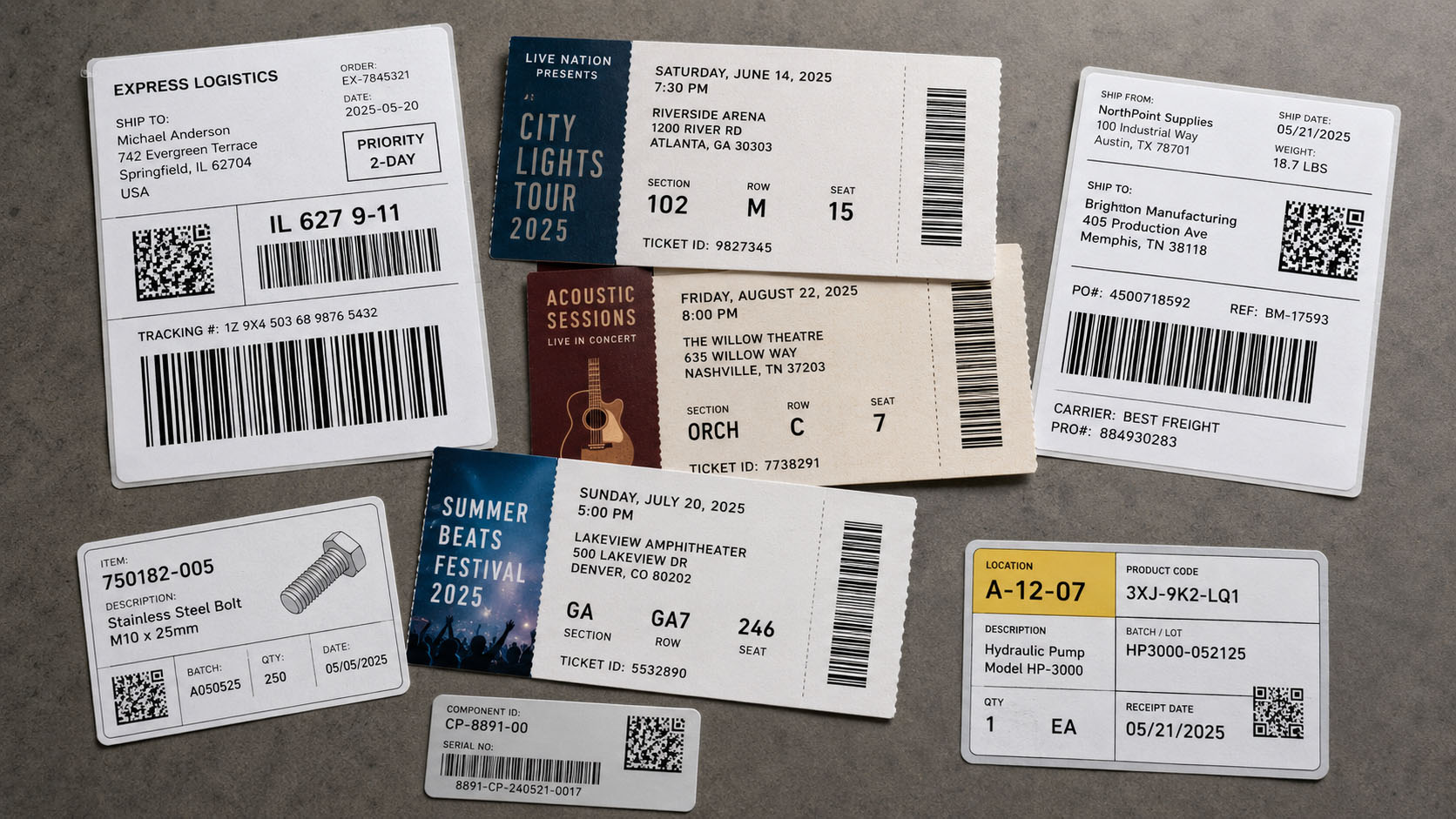
- The labels contain lot numbers, serial numbers, barcodes, or other variable data;
- The process requires the labeling to be synchronized with the operation of the conveyor or machine;
- Manually preparing and applying labels causes downtime or requires additional inspection steps;
- It is necessary to link the label to a specific product, order, or logistics unit.
In some companies, it is sufficient to automate the process of applying pre-printed labels. In others, a system will be needed that generates labels based on current data and applies them directly to the product.
It is also worth keeping in mind that in small-batch production, with frequent changes to the product lineup and a small number of product codes, full automation may not always be economically justified. Therefore, the starting point should be a process analysis, rather than the selection of a specific machine model.

Automatic applicator or Print & Apply? First, determine where the data comes from
One of the most important questions to consider before implementation is whether the label is ready before the product reaches the station, or whether its content must be generated immediately before application.
Automatic application of pre-printed labels
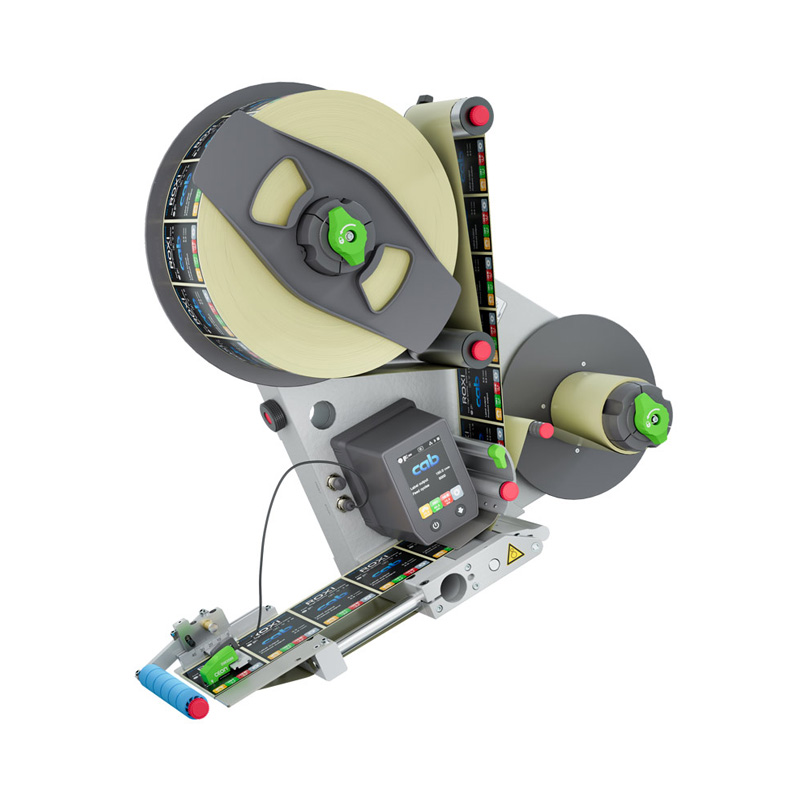
If the labels are pre-printed and on a roll, an automatic labeling head can be used. The device picks up a label, separates it from the backing, and applies it to the product at the right moment.
This solution works well, among other things, for labeling products, packaging, and components that do not require real-time data printing.
Pre-printed labels may also contain specific information, such as pre-printed serial numbers. In such cases, it is particularly important to correctly match a specific label to the product.
Printing and Automatic Application – Print & Apply
The process is different when the label must include information that is not known until a specific stage of production or packaging.
This could be a lot number, a production date, a product ID, an order number, or a shipping label prepared for a specific shipment.
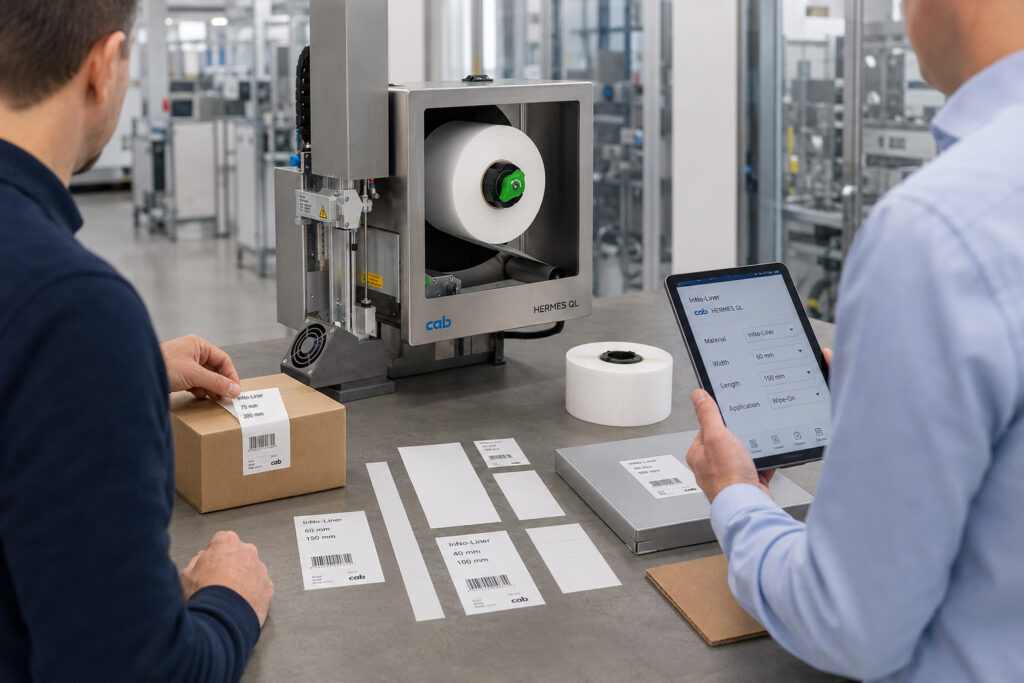
In this case, a Print & Apply system is used, which combines an industrial label printer with an applicator. The device prints the required data and then automatically applies the label to the product or packaging.
There is no need to prepare separate batches of printed labels in advance, which simplifies the handling of processes that use variable data.
Both technologies have their uses. The choice between them should depend primarily on how the data is prepared, the type of product, and how the process is organized.
You can find an overview of available devices on the page for automatic label applicators and Print & Apply systems.

What needs to be determined before implementing automatic labeling?
The selection of an applicator should begin with a determination of the operating conditions. Even a high-performance device may not meet expectations if it is not properly matched to the product, the workstation, and the method of transport.
There are six key areas.
1. Product Type and Application Area
A flat cardboard box will require a different labeling method than a bottle, a cylindrical container, or an item with an irregular shape.
The surface material, its temperature, any dirt present, and the properties of the adhesive used are also important. The label must maintain adequate adhesion under actual process conditions.
2. Capacity and Mode of Transportation
Specify the number of products requiring labeling per unit of time, the conveyor speed, and the spacing between products.
It is also important whether the products are moving at a constant speed or are paused during the application process. Some technologies allow labels to be applied to products that are still moving, but they require proper synchronization with the production line.
3. Label Format and Placement
Its dimensions, orientation, and application location must be determined. The label can be applied to the top, side, or bottom surface of the product, and in certain applications, also to a corner of the package. These parameters determine how the device is installed and which application mechanism is selected.
4. Data Source
If a label contains variable data, it is necessary to determine where the system will retrieve it from. This could be a machine controller, an MES system, an ERP system, a WMS, or other process management software. It is important not only to send the data to the printer but also to assign the correct label to a specific product.
5. Verification of the Accuracy of Markings
As early as the design phase, it is worth determining whether the system is intended solely to apply labels or also to verify that they are applied correctly. Possible checks include verifying the presence of a label, reading a barcode, comparing the identifier with system data, or verifying the label’s position.
6. Operating Conditions and Device Operation
Factors to consider include available installation space, the ability to replace consumables, environmental conditions, and cleaning and maintenance requirements. It is also worth considering how the workstation is set up for different products, especially when a single production line handles several types of products. The more precisely these requirements are described, the easier it will be to choose a solution that will operate reliably in the actual process.

What does the step-by-step implementation of automatic labeling look like?
Automating the label-application process shouldn’t simply involve installing a machine next to the conveyor belt. A well-planned implementation involves several steps.
1. Analysis of the Current Process
First, you need to identify where the delays are occurring and which tasks are to be automated. It is worth analyzing the number of labeled products, the frequency of label changes, the proportion of manual labor, and errors that occur during labeling.
This will help determine whether an automatic applicator for pre-printed labels is sufficient or whether a Print & Apply solution is needed.
2. Technology Selection and Application Validation
The next step is to adjust the device and the method of applying the label.
Depending on the process, the label can be applied using pressure, a roller, a brush, or an air stream. The choice depends, among other things, on the product’s surface, the label’s position, and whether the product is in motion.
For non-standard products, tests using actual samples of packaging and label materials are particularly useful.
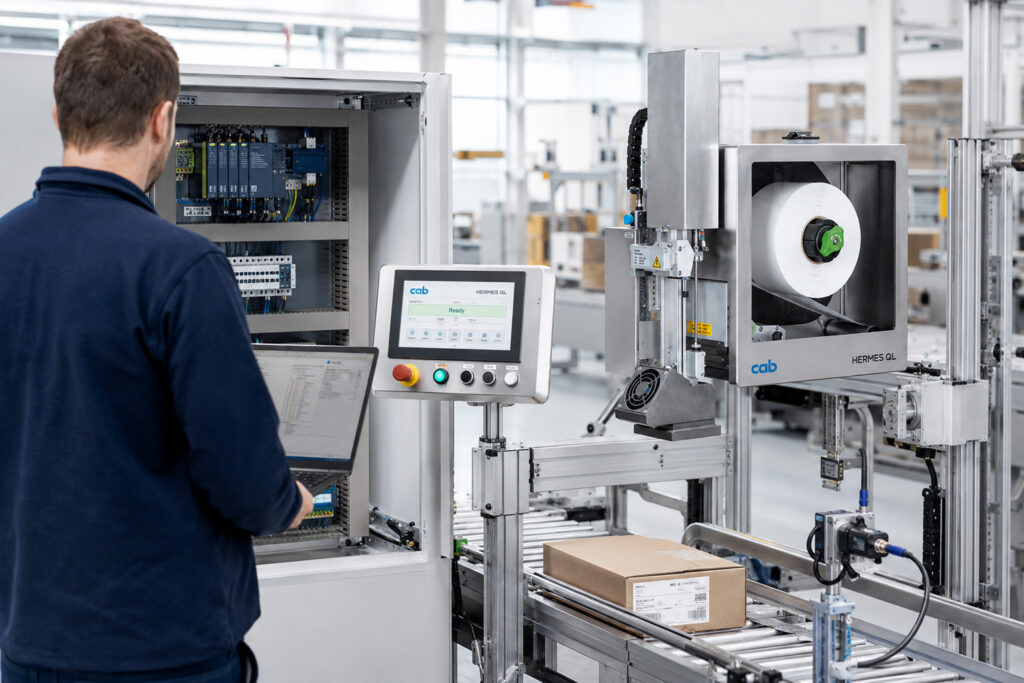
3. Integration with automation and IT systems
The labeling system must be told when to apply the label and, in the case of Print & Apply, what data to print.
Depending on the system architecture, this may require integration with a PLC, sensors, encoders, or a master system.
At this stage, procedures for responding to exceptional situations are also defined, such as a missing label, a printing error, data inconsistencies, or application failure.
4. Testing and Commissioning
Before beginning regular operation, test the system with various products, at different speeds, and under the conditions that exist on the production line.
The tests should cover not only normal operating cycles, but also product changes, a shortage of consumables, conveyor stoppages, and process restarts. This makes it possible to assess whether the device actually meets the job requirements.
5. Acceptance and Inspection of Results
Once the system is up and running, it’s a good idea to compare the results with the situation before automation.
What matters are actual productivity, the number of incorrect readings, the time required to operate the workstation, and the frequency of downtime.
Only such an assessment makes it possible to determine whether the implementation has improved the functioning of the entire process, rather than merely speeding up a single task.
Automatic Labeling vs. Label Accuracy Verification
Just because a label has been applied correctly does not necessarily mean that the product has been correctly identified.
A label may be in the correct location but contain the wrong lot number. It may also contain the correct information but be affixed in a way that makes it difficult to read the code later.
Therefore, in more demanding processes, it is advisable to combine labeling with automatic inspection.
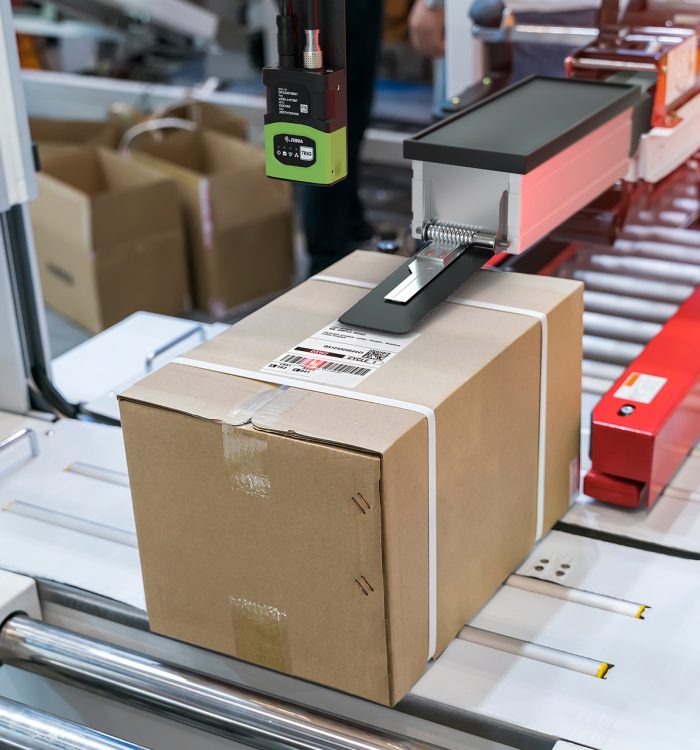
For example, stationary industrial scanners can read codes after a label has been applied. If the data is compared with the information about the product in question, it is possible to detect discrepancies.
In turn, visual quality control systems can, when properly configured, verify the presence and position of a label.
The response to a detected error depends on the line’s design. It may involve stopping the process, sending a signal to the controller, or diverting an incorrectly labeled product to an additional inspection station.
This approach allows automatic labeling to be viewed as part of a product identification and monitoring system, rather than merely as a way to reduce manual labor.

Example: Automatic labeling of boxes during the shipping process
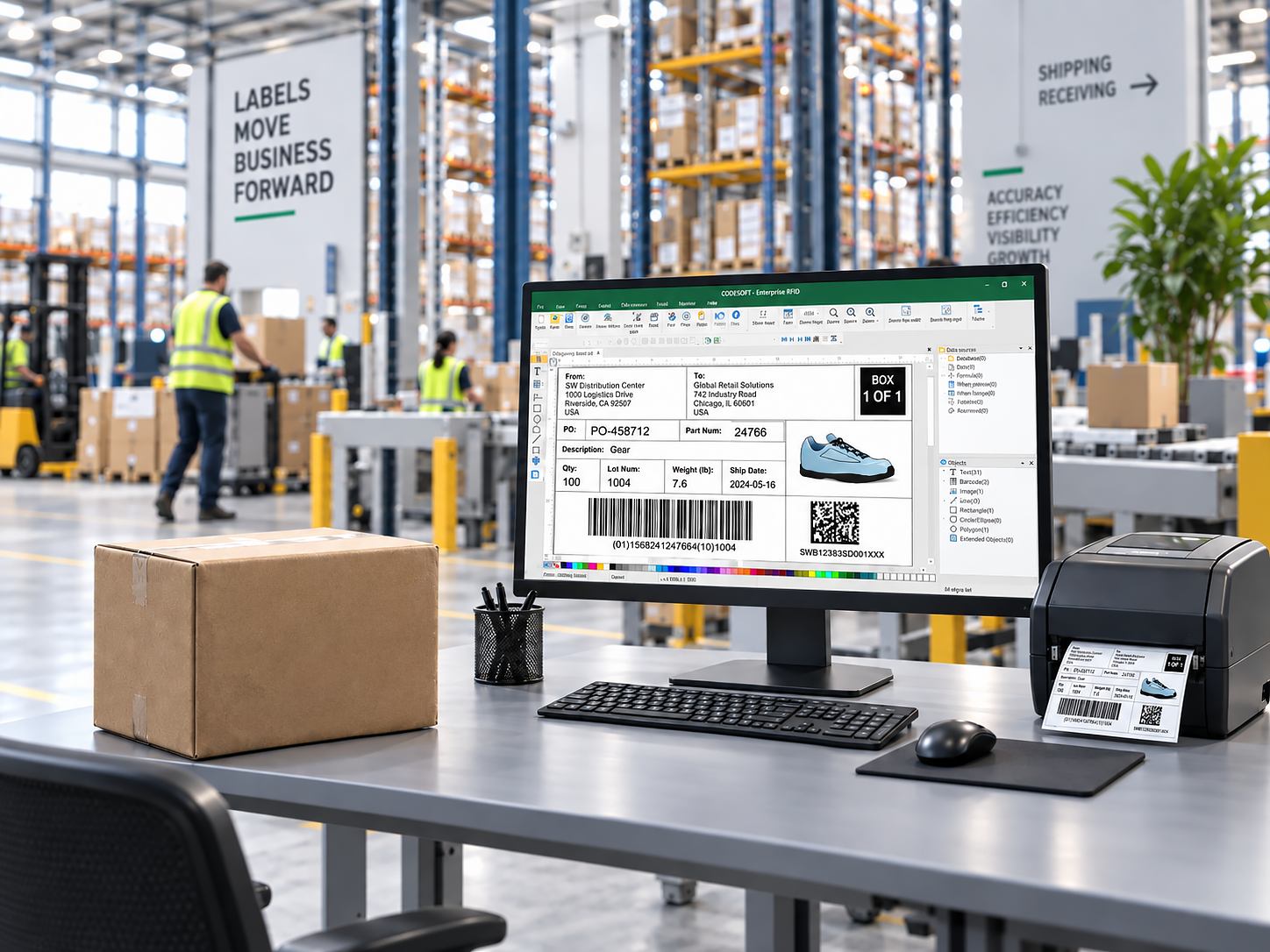
Let’s consider a process in which cartons are placed on a conveyor belt after packing is complete. Each carton must be labeled with a logistics label corresponding to a specific order.
In manual mode, the operator prints the label, identifies the correct box, and affixes the label. When there are multiple shipments, this requires additional steps and increases the risk of attaching the label to the wrong package.
In an automated solution, the process may look different.
Once a carton is identified, the system receives the shipment data. Information from sources such as the WMS system can be forwarded to the Print & Apply solution, which prints the appropriate label and automatically applies it to the package.
After the label is applied, the scanner can read the code and compare it with the shipment ID. If the label is illegible or does not match the expected data, the integrated system can trigger the appropriate error-handling procedure.
Of course, this all requires a properly designed approach to identification, data exchange, and device synchronization.
This example shows that the greatest benefit of automatic labeling may not be the act of applying the label itself, but rather the combination of labeling with identification and the flow of information.
What CAB solutions can be used for automatic labeling?
Depending on the process requirements, various configurations of CAB devices can be used.
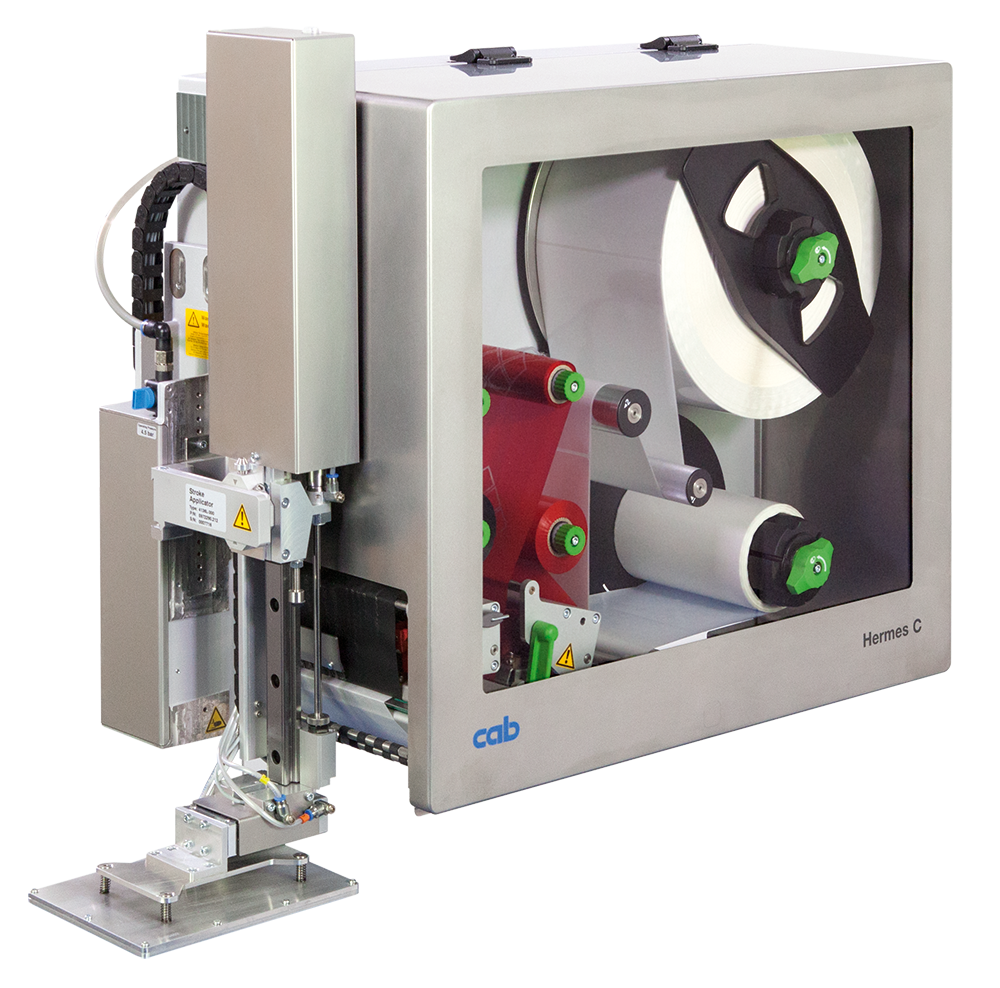
If a label needs to be printed with up-to-date information immediately before application, one available solution is the CAB HERMES Q. The system combines printing and automatic label application and allows you to tailor the application method to the product and workstation.
For processes that use pre-printed labels, CAB ROXI labeling heads are worth considering. For applications with high line speed requirements , CAB IXOR+ automatic labeling heads are available .
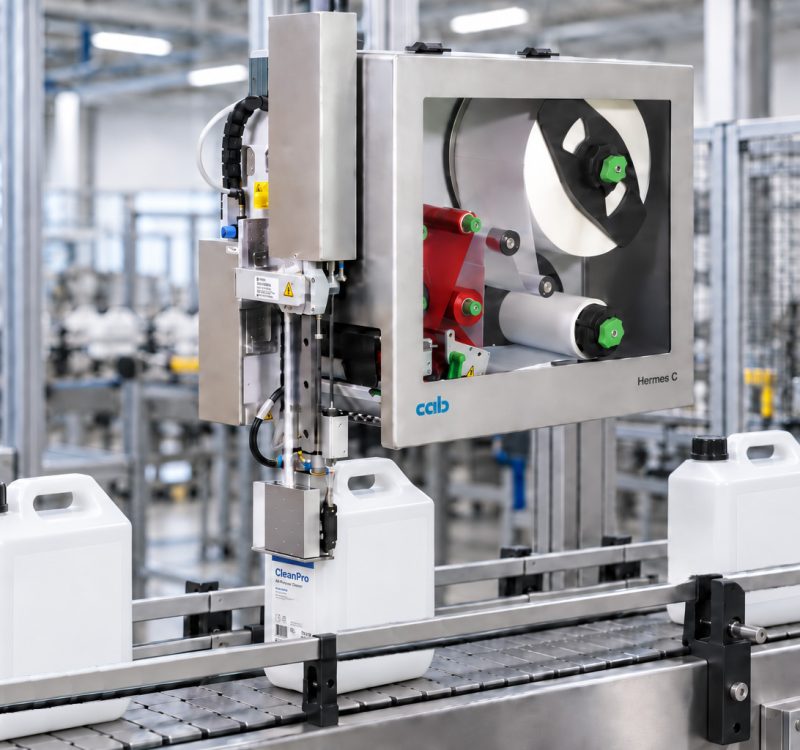
There are also specialized solutions, such as the CAB Hermes C, for two-color printing and automatic label application, including labels used in the chemical industry. However, the final selection should not be based solely on catalog specifications. It is essential to consider the entire installation site, the method of product transport, the required data, and the type of application.

How can you evaluate the results of labeling automation?
Before implementation, it’s a good idea to determine exactly what needs to be improved. At one facility, the top priority might be increased productivity; at another, reducing errors; and at yet another, the ability to process variable data without operator intervention.
Several metrics can be used to evaluate performance: the time required to label a product, the number of incorrectly prepared labels, the number of operator interventions, workstation downtime, and the consumption of supplies.
The measurement should take into account comparable operating conditions—similar product types, batch sizes, and process organization.
Automation does not always have to mean operating at the maximum possible speed. Sometimes, greater value comes from eliminating the need to manually match labels to orders, improving consistency, or reducing errors that require the process to be halted in order to be corrected.

Automated Labeling with HKK Group
When selecting a labeling system, consideration should be given not only to the applicator, but also to the label, how it is prepared, the automation of the workstation, and product identification requirements.
HKK Group provides CAB solutions for automatic labeling and Print & Apply systems. We assist companies in selecting equipment, configuring applicators, and integrating labeling into their production and logistics processes.
If you’re planning to automate labeling, it’s a good idea to start by analyzing your products, the types of labels, the expected throughput, and the method of data transfer.
Check out the automatic label applicators and Print & Apply systems available from HKK Group
You can also contact our team to discuss the requirements of a specific process and the possibilities for automating it.